Worldle gameplay overview
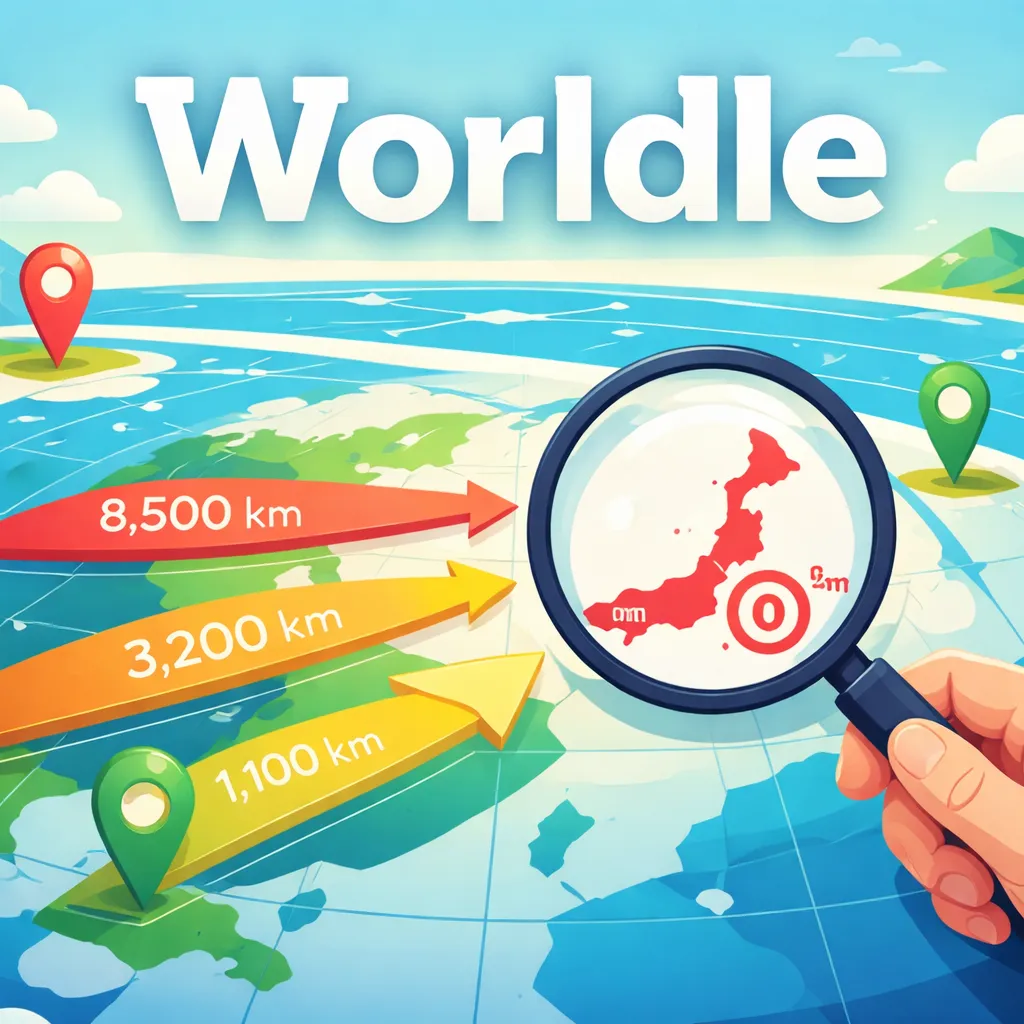
Worldle presents the outline of a country or territory without labels. After each guess, the game reports how far your choice is from the answer, points in the direction you should travel, and gives a proximity percentage. A familiar coastline may solve the puzzle immediately, but the navigation feedback also makes an unfamiliar shape approachable.
The most reliable strategy combines geometry with regional knowledge. Use the outline to estimate island versus mainland, compact versus elongated, and the presence of distinctive peninsulas. Then treat distance and direction as measurable evidence instead of jumping randomly between continents. This page uses an original text-only cover and links directly to the game's official site.
How to play Worldle
- Inspect the unlabeled silhouette and enter a country or territory.
- Read the distance, directional arrow, and proximity percentage after the guess.
- Move logically across the map and identify the answer within the available attempts.
Worldle tips for a better first game
- Estimate the outline's aspect ratio before focusing on individual coastline details.
- Use a central reference country when you are unsure which region the shape belongs to.
- A large distance with a clear direction is often more useful than a visually similar but poorly placed guess.
Playing Worldle on your device
Worldle is listed for Desktop, Mobile, Tablet. Use keyboard, mouse, or touch and follow the current instructions shown by the game before starting a round.
Player questions about Worldle
Can I play Worldle online?
Yes. The play button opens worldle.teuteuf.fr, the current game destination, in a new tab.
What devices can run Worldle?
Worldle is listed for Desktop, Mobile, Tablet. The current controls are keyboard, mouse, or touch.
Is Worldle free to play?
Worldle is currently listed as free to play. The destination site may apply its own account, cookie, or availability rules.